
Direct Answer: Cursor M-Score 9.1 is the better choice in 2026 if you want hands-on visual control, instant predictive autocomplete, and rapid UI or feature experimentation inside a familiar IDE. Claude M-Score 9.2 (via its autonomous Claude Code CLI agent) is superior when you are ready to delegate complex multi-file tasks, terminal debugging, and architectural scaffolding—and combining both delivers the strongest workflow.
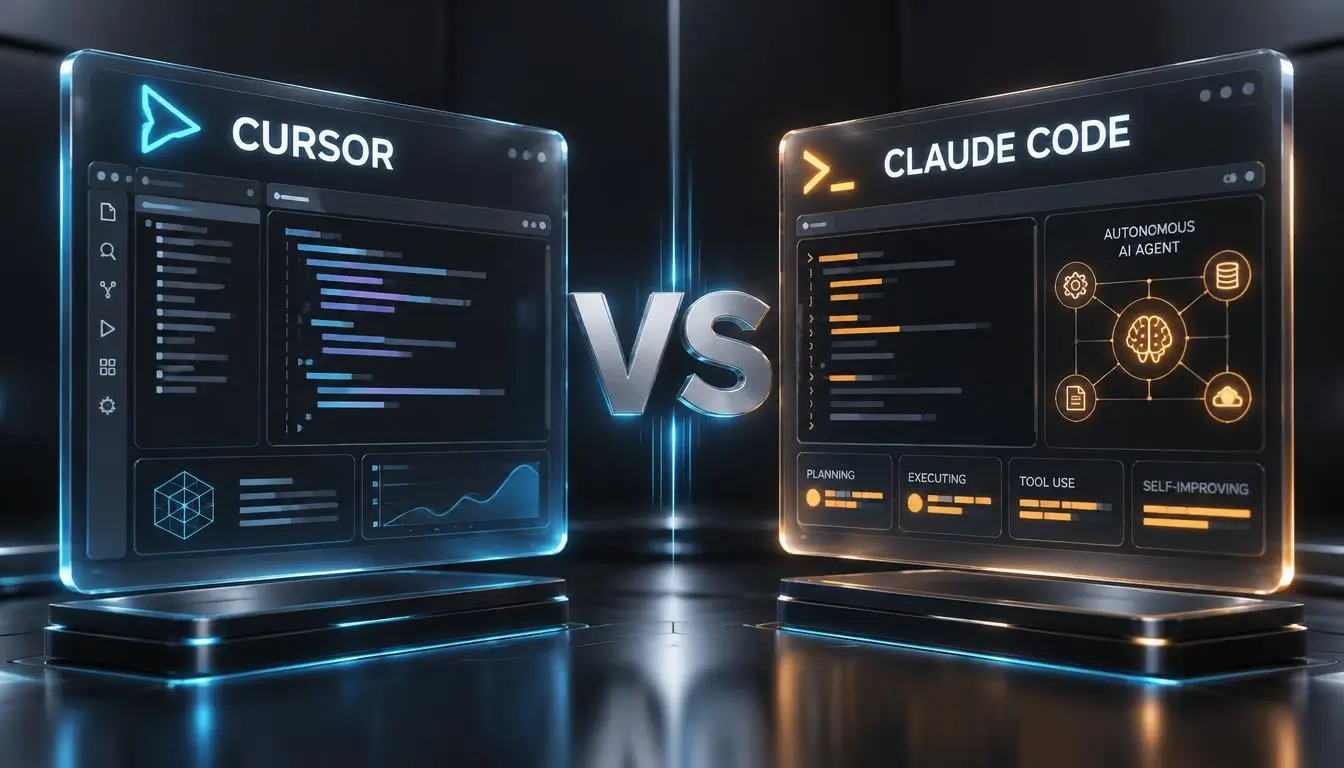
In 2026, AI-assisted software development has split into two distinct paradigms: AI-native visual code editors and autonomous command-line agents. Leading these two camps are Cursor and Anthropic’s Claude Code.
Understanding how each tool balances developer control against autonomous delegation is critical if you want to ship software quickly without accumulating unmaintainable technical debt or runaway token bills.
Live Rating & Overview
| Platform | Cursor | Claude |
|---|---|---|
| M-Score | 9.1 / 10 | 9.2 / 10 ★ Leader |
| Focus | LEADING AI-NATIVE CODE EDITOR & IDE | FRONTIER AI FOR ANALYSIS, WRITING & CODE |
| Highlights | AI-first code editor built on VS Code with multi-file Composer agents and codebase-wide indexing. Supports frontier models including Claude, OpenAI GPT, and Gemini with instant Tab autocomplete. SOC 2 Type II certified with Privacy Mode ensuring zero code storage or model training on business tiers. Free Hobby tier available; Pro plans start at $20/month with Team and Enterprise governance options. | Frontier AI assistant built by Anthropic for deep document analysis, coding, and financial modeling. Massive context window processing entire 10-K filings, legal contracts, and codebases in one prompt. Claude Code CLI, interactive Artifacts workspace, and MCP connectors for live enterprise tools. SOC 2 Type II, ISO 27001, and HIPAA-ready security with strict zero-training defaults on business tiers. |
| Audit | Read Full Audit → | Read Full Audit → |
Key Specs: Cursor vs. Claude Code
| Feature | Cursor | Claude Code (Anthropic) |
|---|---|---|
| Core Philosophy | Active visual coding, inline diffs & developer control | Autonomous terminal delegation & multi-file execution |
| Interface Environment | Full desktop IDE (built on VS Code) | Command-line interface (CLI) + IDE terminal integration |
| Model Flexibility | Multi-model (Claude, OpenAI GPT, Gemini, Grok) | Native Anthropic Claude models (Opus, Sonnet, Haiku) |
| Pricing Structure | Free Hobby; $20/mo Pro; $40/user/mo Business | Included in Claude Pro ($20/mo) / Max ($100+) or API pay-per-token |
| Project Memory & Rules | .cursorrules & codebase semantic vector indexing | CLAUDE.md project instructions & MCP tool connectors |
| Security & Privacy | SOC 2 Type II, enforced zero-retention Privacy Mode | SOC 2 Type II, zero training on commercial API/Team tiers |
1. Active Visual Control vs. Autonomous Delegation
Choosing between Cursor and Claude Code starts with how you prefer to interact with your codebase:
- Cursor (Hands-On Speed & Visual Precision): Cursor keeps you inside a visual editor where every line change appears as a highlighted diff you can accept or reject block by block. Its predictive Tab autocomplete anticipates your next cursor jump, making it ideal when you are experimenting with layouts, refining frontend logic, or actively steering every edit.
- Claude Code (High-Autonomy Task Delegation): Operating directly inside your terminal, Claude Code acts like an autonomous junior-to-mid-level engineer. You describe a complex multi-file objective, and it searches the repository, edits backend routes, runs build scripts, reads compiler errors, and iterates until tests pass—without requiring you to babysit every keystroke.
2. Preventing Hidden Bugs, Cost Spikes & Technical Debt
The biggest trap in AI-assisted development is confusing fast initial code generation with sustainable software engineering. Building an MVP in a weekend means very little if the codebase becomes impossible to maintain three months later:
- Hidden Logic Bugs & Technical Debt: Autonomous agents can silently duplicate helper functions, over-engineer dependencies, or introduce subtle edge-case security flaws while making all unit tests look green. Disciplined human code review remains mandatory before merging AI-generated pull requests.
- Token Cost Blowouts: Leaving an agent looping over massive files on frontier reasoning models can burn through usage quotas or API credits rapidly. Always configure hard monthly spend caps and select lighter models for routine edits.
- Enforce Project Rule Files: Maintain living instruction files inside your repository (.cursorrules for Cursor and CLAUDE.md for Claude Code) documenting your architectural conventions, forbidden patterns, and testing commands so agents stop repeating past mistakes.
Rather than treating Cursor and Claude Code as mutually exclusive, the highest-leverage engineering workflow in 2026 uses both in sequence. Start complex architectural tasks or multi-file scaffolding in Claude Code to generate clean structural drafts and wire up boilerplate, then switch into Cursor for surgical refinements, visual diff inspection, and fine-grained UI tuning.
If you only pick one subscription today: choose Cursor if your daily work involves heavy experimentation and visual iteration, or choose Claude Code if you are comfortable specifying clear technical requirements and delegating self-contained tasks. For broader model comparisons, see our Perplexity vs. ChatGPT vs. Claude guide.
3. Where Each Platform Wins
Cursor: Best for Visual Control, Prototyping & Multi-Model Flexibility
If you want real-time predictive autocomplete, side-by-side visual code diffs, full VS Code extension compatibility, and the freedom to switch between Claude, OpenAI, and Gemini models inside one editor, Cursor is the gold standard IDE.

AI-first code editor built on VS Code with multi-file Composer agents and codebase-wide indexing. Supports frontier models including Claude, OpenAI GPT, and Gemini with instant Tab autocomplete. SOC 2 Type II certified with Privacy Mode ensuring zero code storage or model training on business tiers. Free Hobby tier available; Pro plans start at $20/month with Team and Enterprise governance options.
Claude Code: Best for Autonomous Multi-File Delegation & Terminal Workflows
If you prefer delegating complex backend refactoring, automated test-driven bug fixing, and deep repository analysis directly from your command line with minimal manual intervention, Claude Code delivers unmatched agentic autonomy.

Frontier AI assistant built by Anthropic for deep document analysis, coding, and financial modeling. Massive context window processing entire 10-K filings, legal contracts, and codebases in one prompt. Claude Code CLI, interactive Artifacts workspace, and MCP connectors for live enterprise tools. SOC 2 Type II, ISO 27001, and HIPAA-ready security with strict zero-training defaults on business tiers.
Frequently Asked Questions
Can I run Claude Code inside the Cursor IDE?
Yes. Because Cursor includes a full integrated VS Code terminal, many developers run Claude Code directly inside Cursor’s bottom terminal panel—using Claude Code for heavy multi-file generation while inspecting every resulting diff visually in Cursor’s editor.
Which tool is more cost-effective for solo founders?
Cursor’s $20/month Pro plan offers predictable monthly billing with generous autocomplete and fast-request quotas for active daily coding. Claude Code is included within Claude Pro ($20/month) and Max ($100+/month) subscriptions, whereas pay-as-you-go API usage can become expensive if you run large autonomous loops without spending caps.
How do I stop AI coding agents from breaking existing features?
Maintain a strict project rules file (.cursorrules or CLAUDE.md), commit working code to Git before launching large agent tasks, require automated test runs after edits, and review every diff carefully rather than blindly accepting all changes.
Disclaimer: This comparison is for informational purposes only and does not constitute software engineering, security, or financial advice. AI-generated code should always be audited for security vulnerabilities before production deployment. Manulik operates as an independent directory—we do not accept paid placements or affiliate commissions to alter our rankings.
Top-Rated Tools Related to This Guide
Automatically matched from our independent directory based on 4-pillar M-Score ratings (no paid placements):