Direct Answer: Notion M-Score 9.0 is the better choice in 2026 for people-centric workflows, company wikis, SOPs, and content-heavy teams that need flexible pages paired with lightweight tables. Airtable M-Score 8.9 is the clear winner for data-heavy operations, custom CRMs, and automated backends where strict field types, relational rollups, and high-volume records matter most.
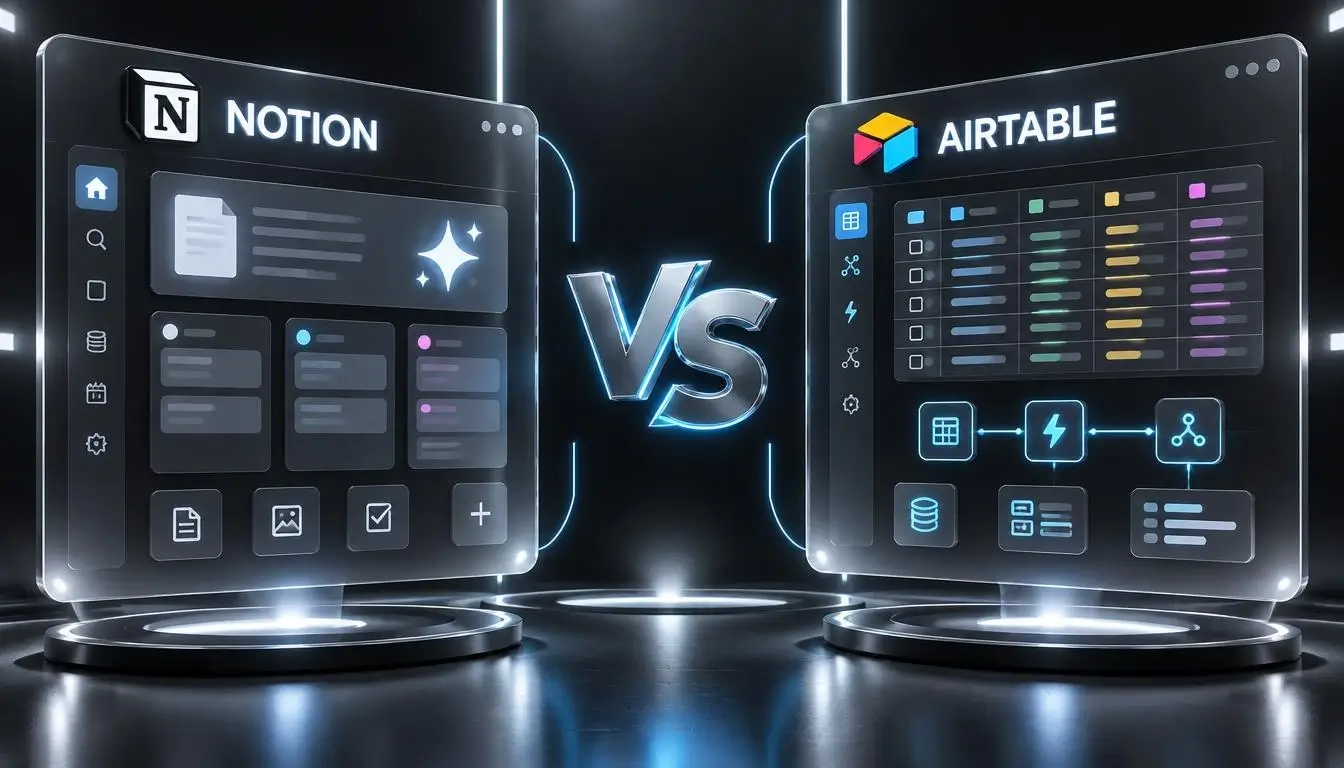
When organizing internal operations in 2026, startups and digital teams routinely compare two flagship no-code platforms: Notion and Airtable. On the surface, both offer customizable tables, Kanban boards, calendars, and built-in AI assistants.
Underneath, however, they solve completely different operational problems: Notion is built around documents and human collaboration, while Airtable is engineered as a strict relational database for structured data.
Live Rating & Overview
| Platform | Notion | Airtable |
|---|---|---|
| M-Score | 9.0 / 10 ★ Leader | 8.9 / 10 |
| Focus | ALL-IN-ONE AI WORKSPACE & KNOWLEDGE HUB | ENTERPRISE NO-CODE DATABASE & AI APP PLATFORM |
| Highlights | Leading all-in-one connected workspace combining collaborative docs, relational databases, project tracking, and built-in Notion AI for startups and global teams. Certified SOC 2 Type II and ISO 27001 compliant with enterprise search across Slack and Google Drive, custom forms, Notion Sites publishing, and a free personal plan. | Cloud relational database and low-code app builder combining spreadsheet simplicity with structured data. Airtable Cobuilder and AI agents automate record classification, sentiment tagging, and workflow triggers. Interactive Interface Designer builds custom internal portals, CRM dashboards, and executive timelines. SOC 2 Type II, ISO 27001, and GDPR compliant with Free tier and Team plans from $20/seat/month. |
| Audit | Read Full Audit → | Read Full Audit → |
Key Specs: Notion vs. Airtable
| Feature | Notion | Airtable |
|---|---|---|
| Core Architecture | Document-first workspace with embedded databases | Relational cloud database with custom app interfaces |
| Primary Strength | Wikis, SOPs, meeting notes & team knowledge bases | Structured accounting, inventory, CRM & operational registries |
| Data Scaling Behavior | Best under 1,000 rows; slows down on heavy formulas | Built for 50,000 to 500,000+ linked records per base |
| Long-Form Writing UX | Industry-leading block editor for rich documents | Basic long-text cells (unsuitable for long documentation) |
| Entry Paid Pricing | Free tier; Plus from $10/seat/month (billed annually) | Free tier (1,000 records); Team from $20/seat/month |
| Automation & API Role | Human-facing frontend & content approval hub | Strict backend data engine for n8n, Make & Zapier |
1. People & Processes vs. Data & Operations
The cleanest way to separate Notion and Airtable is by looking at what sits at the center of your daily workflow:
- Notion (Built for People and Processes): Notion shines wherever teams need to capture ideas quickly, write standard operating procedures (SOPs), maintain company wikis, and link rich narrative pages directly to lightweight task boards. Every database row in Notion is itself a full document page, making it effortless to combine context with execution.
- Airtable (Built for Data and Operations): Airtable acts as a strict, structured registry where data integrity, linked tables, conditional formulas, and custom dashboards come first. Its Interface Designer lets operations managers turn raw tables into role-restricted CRM pipelines, asset trackers, and approval portals without writing frontend code.
2. Where Each Platform Breaks Down as You Scale
Problems arise when founders force either tool to do the job of the other:
- Notion’s 1,000-Row Scaling Ceiling: Once a Notion database grows past roughly 1,000 rows or relies on heavy nested rollups and multi-table calculations, page load speeds degrade and managing strict field validation becomes messy. Without enforced schema rules, collaborative tables quickly drift into disorganized clutter.
- Airtable’s Weak Content & Documentation UX: Conversely, Airtable is a poor text editor. Trying to write long-form guidelines, product specifications, or multi-section playbooks inside Airtable cells feels cramped and unnatural compared to Notion’s modular block editor.
If you only pick one platform for a solo project or small team, let the nature of your business decide: choose Notion for consulting, media, agencies, and knowledge-driven work, or choose Airtable for service operations, inventory, and structured pipelines.
The winning architecture for scaling businesses: Use both together with clear boundaries. Keep Notion as your company’s human-facing frontend and knowledge base, and run Airtable as your strict backend database and operational brain wired into n8n M-Score 9.0, Make M-Score 8.9, or Zapier M-Score 8.8 for automated AI pipelines. For deeper automation comparisons, read our Make vs. Zapier guide.
3. Where Each Platform Wins
Notion: Best for Company Wikis, SOPs & Content-Driven Teams
If your team needs a flexible all-in-one workspace for documentation, project briefs, meeting notes, and lightweight databases enhanced by native AI writing and Q&A search, Notion offers the cleanest everyday experience.

Leading all-in-one connected workspace combining collaborative docs, relational databases, project tracking, and built-in Notion AI for startups and global teams. Certified SOC 2 Type II and ISO 27001 compliant with enterprise search across Slack and Google Drive, custom forms, Notion Sites publishing, and a free personal plan.
Airtable: Best for Relational Databases, Custom Apps & Automation Backends
If your operations depend on thousands of structured records, strict data validation, cross-table formulas, custom executive dashboards, and reliable API triggers for AI workflows, Airtable is built for the job.

Cloud relational database and low-code app builder combining spreadsheet simplicity with structured data. Airtable Cobuilder and AI agents automate record classification, sentiment tagging, and workflow triggers. Interactive Interface Designer builds custom internal portals, CRM dashboards, and executive timelines. SOC 2 Type II, ISO 27001, and GDPR compliant with Free tier and Team plans from $20/seat/month.
Frequently Asked Questions
Which tool is better for connecting AI agents via n8n or Make?
Airtable is generally stronger as an automation backend because its strict column types (single select, linked records, numbers, dates) prevent malformed data from breaking downstream JSON payloads in n8n M-Score 9.0 or Make M-Score 8.9.
Can Airtable replace a dedicated CRM like HubSpot?
For small B2B teams and agencies that want a tailored deal tracker without rigid enterprise software, Airtable works very well. However, once you need native email sequences, call tracking, and multi-touch marketing attribution, a dedicated CRM like HubSpot M-Score 9.0 is a better fit.
Is Notion cheaper than Airtable for growing teams?
Yes. Notion’s Plus plan starts at $10 per seat per month (billed annually) with unlimited blocks and databases, whereas Airtable’s Team plan starts at $20 per seat per month and enforces record limits per base.
Disclaimer: This comparison is for informational purposes only and does not constitute technical, financial, or business advice. Software pricing and record limits are subject to change. Manulik operates as an independent directory; we do not accept paid placements or affiliate commissions to alter our rankings.
Top-Rated Tools Related to This Guide
Automatically matched from our independent directory based on 4-pillar M-Score ratings (no paid placements):